Electra
Soft
Software Solutions
32bit Web Browser
FAQ (Frequently Asked Questions)
Electra
Soft
Home Page
Electra
Soft
try before you buy
32bit Web Browser
software FAQ. The web browser software program that make web browsing fast, easy and fun.
Browse the World Wide Web the easy, fast, and fun way.
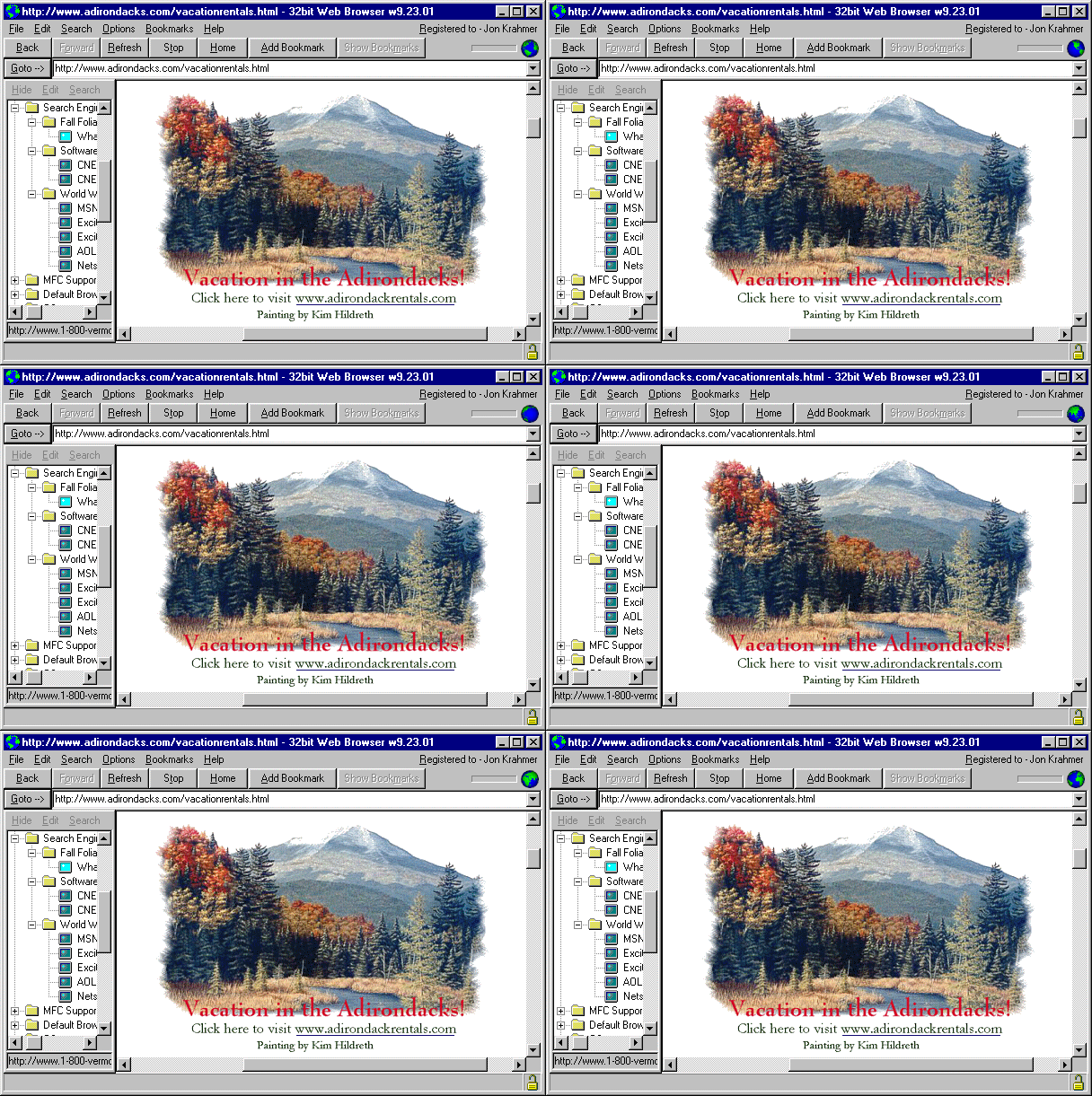
32bit Web Browser Screen Shot
[Testimonials and good reasons to use
Electra
Soft
]
Frequently Asked Questions
Why can't I run 32bit web programs on my 64bit windows operating system that I used to run on my 32bit system?
How do I delete the history in 32bit Web Browser?
Do I have to buy 32bit Web Browser?
How can I use my bookmarks/Favorites list in 32bit Web Browser?
Question:
Why can't I run 32bit web programs on my 64bit windows operating system that I used to run on my 32bit system?
Answer:
If an applications driver is written in 32 bit, it will not work on a 64 bit windows operating system. The 64 bit system has an emulator that lets you run 32 bit applications. If you run a 32 bit Internet browser such as
32bit Web Browser
, you can run your [32bit web programs] on your 64 bit windows system.
Go to Top of Page
Question:
How do I delete the history in 32bit Web Browser?
Answer:
With no instances of 32bit Web Browser running, go to the folder 32bit Web Browser is installed in, usually:
?:\Program Files\32bitweb\Data
and delete:
LastURL.DA0
and
LastURL.DAT
Go to Top of Page
Question:
Do I have to buy 32bit Web Browser?
Answer:
No. However, if you do purchase 32bit Web Browser, you can change your startup page. It can be purchased online from the links on this URL:
https://www.electrasoft.com/32bw.htm
Go to Top of Page
Question:
How can I use my bookmarks/Favorites list in 32bit Web Browser?
Answer:
In the main Windows, click on the menu item: [Bookmarks], [View/Edit/Show Bookmarks]. Once in the [Bookmarks] Window, click on the menu item: [Edit], [Import Bookmarks], and then choose which browser to import from. (Netscape or Internet Explorer)
Go to Top of Page
Contact
Electra
Soft
For assistance feel free to
send us an email
Go to Top of Page
Stats
12534313